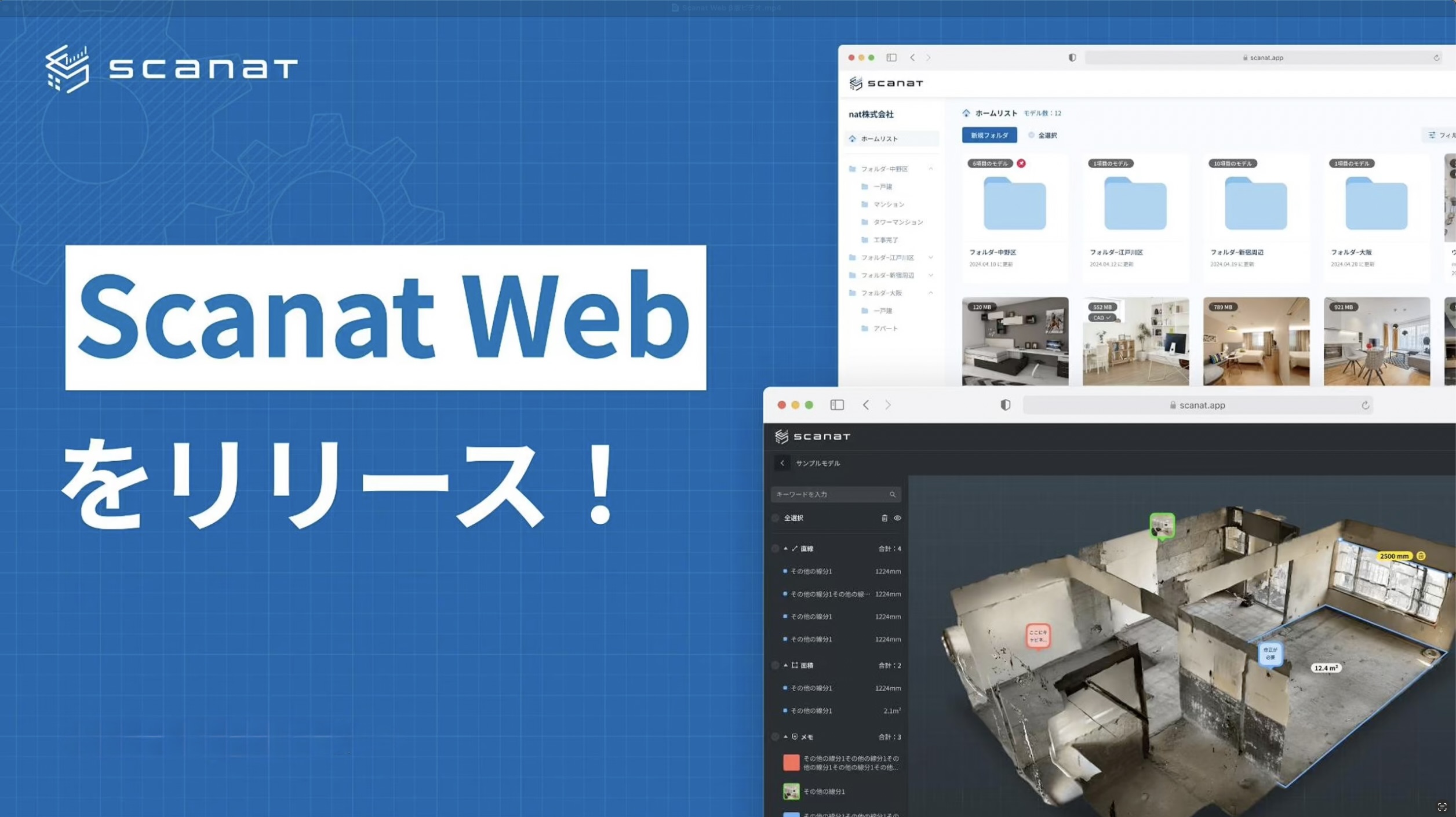
natWe are pleased to announce that [Company Name] (Headquarters: Minato-ku, Tokyo; Representative Director: 劉 栄駿; hereinafter referred to as “the Company”) has officially released the web version of “Scanat ,” which utilizes the smartphone LiDAR sensors it develops and provides, has officially launched its web version.

■Development Background
We received requests from many customers saying, “We want to be able to use the system on a PC just like we do on the app” and “We want to share 3D models with our partner companies,” so we have now set out to develop these new features.
It has been about a year since the beta release, and with the support of many users and their valuable feedback, we have continued to make improvements.
In particular, the feature that allows users to share 3D models created with “Scanat ” has been very well received, as it allows users to share 3D models created with it via a single web URL, facilitating smooth information sharing with relevant parties. In addition, through our proprietary research and development, we have implemented and officially released the automatic drawing output feature for “Normal Scan,” which was highly requested by many of our users.
This feature marks an important first step toward streamlining the automatic conversion of 3D models into drawings. We hope many users will take advantage of this feature and experience the new possibilities it offers.
■Scanat About the Website
New Features in the Official Release
(1) Automatic DXF export function for floor plans and elevations
・You can export floor plans and elevations (including custom cross-sections) in DXF format from models scanned using the app.
・It is also possible to combine up to four cross-sections for output.


(2) Curve Measurement Function
・The same features available in the app are also available in the web version.

(3) Label Function
・You can assign labels such as "Living Room" and "Kitchen" to each room.

(4) Embedding 360-degree photos and the automatic virtual tour feature
・You can embed 360-degree photos into scanned models and switch to a virtual tour mode.
・Using the highlight feature, you can automatically tour each room.
Existing Features in the Beta Version
(1) Easy synchronization with the push of a button
・Models scanned using the app can be synced to the web version with a single click of the upload button.
・Measurement data and notes added in the app can be synced to the web version.

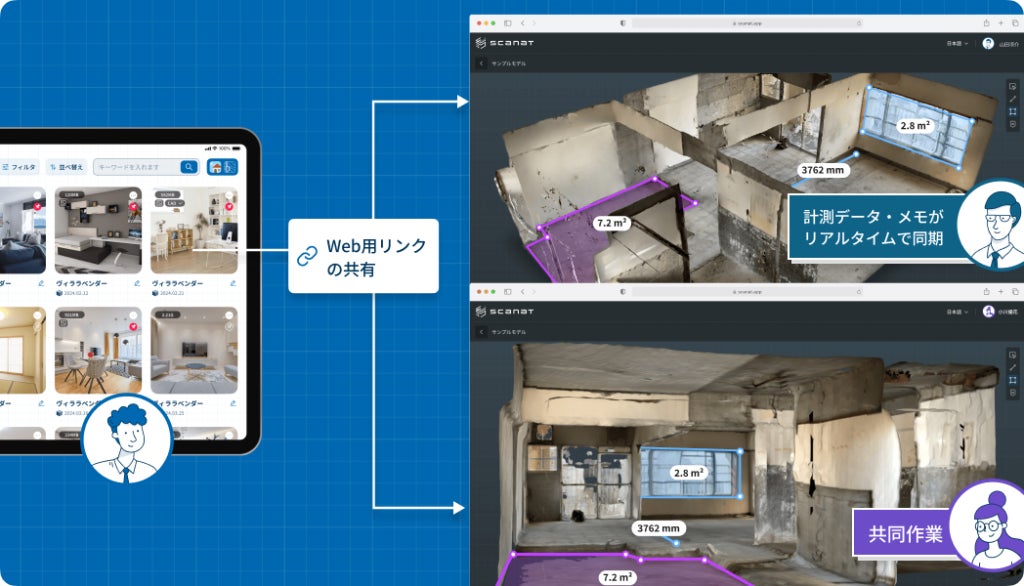
(2) Easily Share Models via Web Links
・You can generate web links from either the app or the web version.
・By sharing web links,Scanat you can share models even with partner companies that do not have an account.

(3) Easy operation on a large PC screen
・On the large screen, you can add, delete, and categorize measurement data and notes by color.
・You can use this feature on the supported browsers listed below without any device restrictions.
*Supported browsers: Google Chrome: 80+, Firefox: 80+, Safari: 15+, Microsoft Edge: 80+

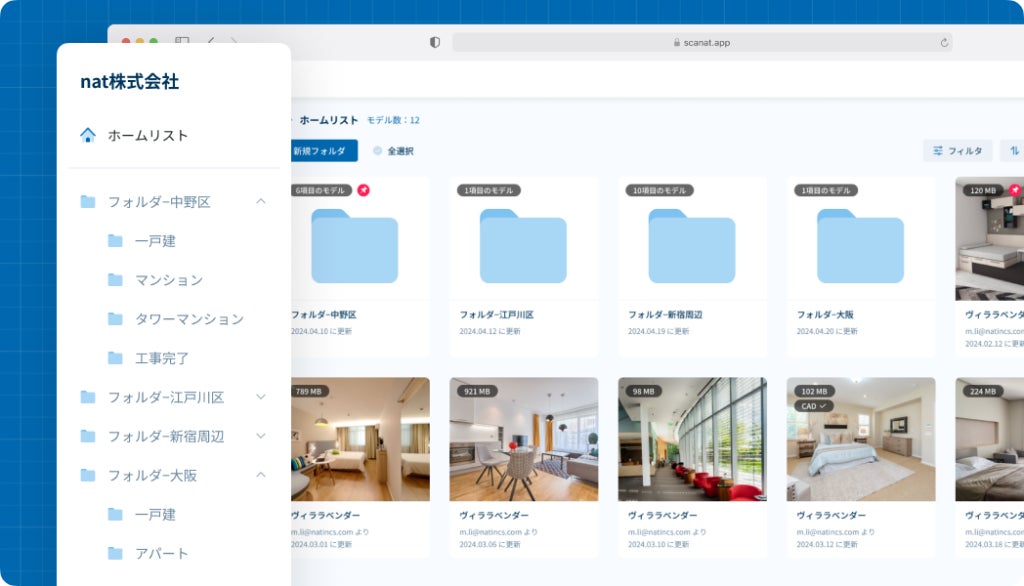
(4) Company-wide model data management capabilities
・Allows you to manage both company-wide and individual cloud data.
・You can create personal folders.
・Includes search and filtering functions for model data.
(5) Collaboration Features
・Users with Web version permissions can edit measurement data and notes simultaneously.
・Measurement data and notes added in the web version are reflected in real time for other viewers.
We will continue to work on improving and developing our features with the goal of making our service even easier to use.