Hello, this is the Blog Editorial Department at natCo., Ltd.
Last time, we covered “ How to Download and Create an Account ."
In this post,Scanat I’d like to show you how to take photos and create 3D models using this app.
Has everyone finished registering their accounts yet?
If you made your payment through the App Store, you can start using the service immediately. However, if you have a direct contract with natCo., Ltd., a representative will activate your account after you complete the registration process. Please note that there may be a delay between registration and activation. If you are in a hurry, please contact natCo., Ltd. (03-6822-8600).
ScanatWhen you launch the app, the saved models screen will appear.
The "Saved Models" screen displays the message: "Scanat "Welcome! Please scan to add a new model." and does not yet contain any models.

To start recording, press the camera button in the lower-right corner.

The screen shown in this video is the recording screen.
Hold your iPad or iPhone in portrait orientation while shooting. Shooting the same spot repeatedly can cause noise, which will result in poor-quality photos of the model. Since you cannot merge multiple shots, visualize the best route to take when photographing the entire floor before you start. Once you have a clear plan, begin shooting.
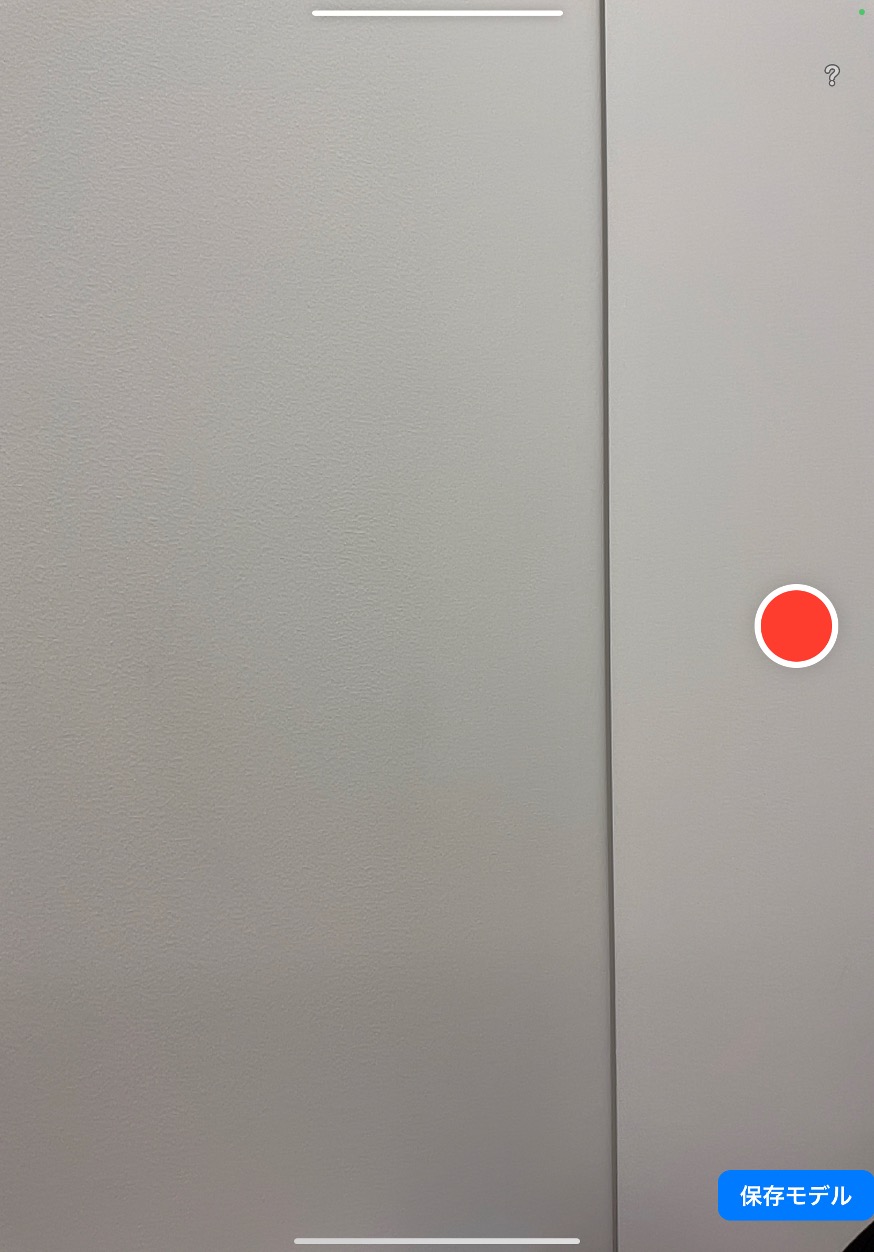
Press the red circle to start recording.
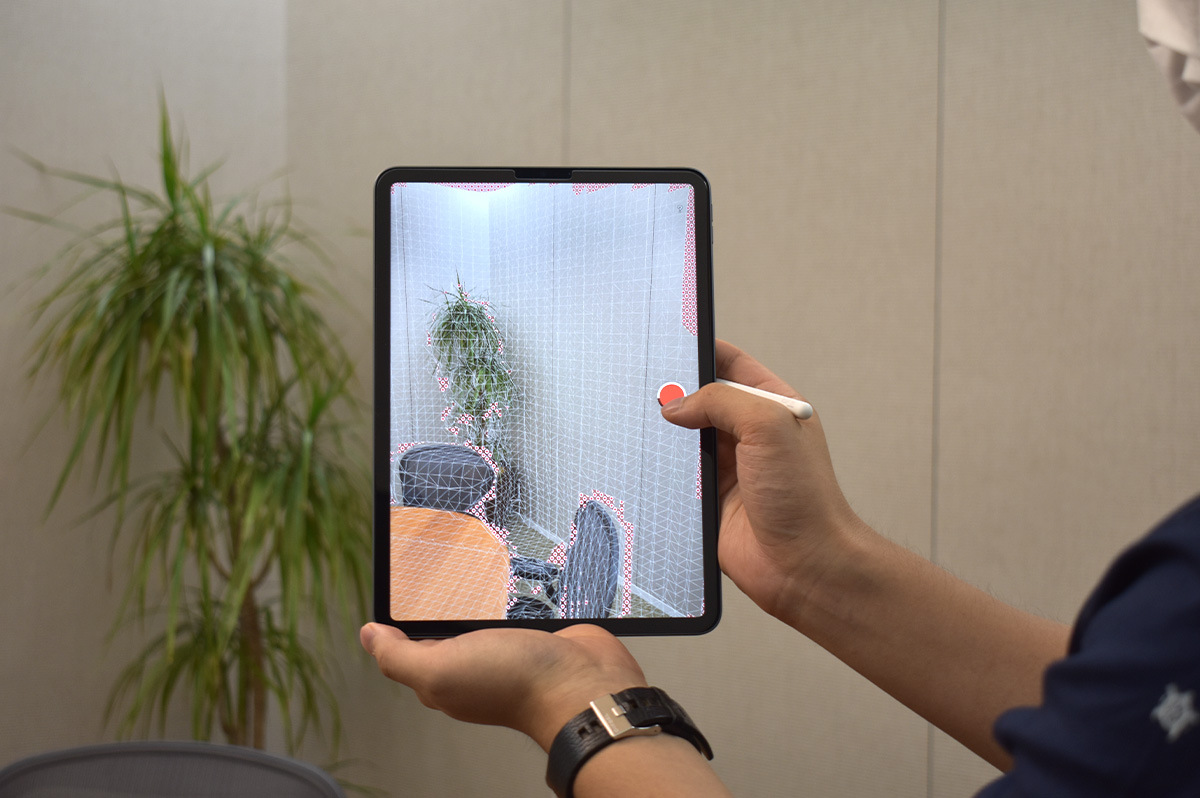
This is what it looks like during filming.
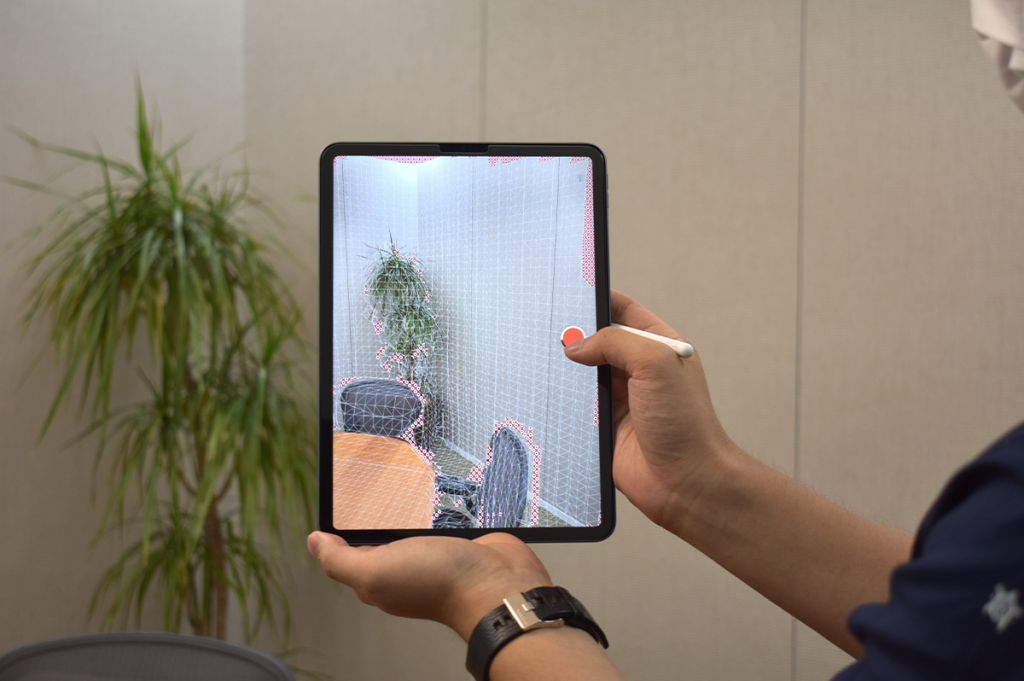
While taking photos, try to position yourself as directly in front of the subject as possible. Remove the red dots in the following order: wall → ceiling → wall → floor → wall.
When the red dot disappears, the recording is finished. To end the recording, press the same red circle.
The images you take will be saved on the Save Model screen (link).
Once you finish taking photos, you will be automatically redirected to the model processing screen (link).
If you want to take photos in succession, you can process them all at once later; however, since the images are grainy before processing, we recommend processing them individually as you go to check for any missing or overlooked shots.
Next time, I'd like to write about working with models.